


Works offline
Job sites, yards, and rural routes lose signal. Native apps keep working and sync when it comes back.
Document turnaround after an intake agent took over BOL and POD entry.
iPhone and Android experiences for the people who keep your operation moving: crews, drivers, customers, and patients. Built on the same backend as your platform, so data, agents, and approvals follow them everywhere.
Most operational work happens away from a desk. Native apps use the hardware people already carry, and keep working when the signal does not.
Job sites, yards, and rural routes lose signal. Native apps keep working and sync when it comes back.
Scan a machine, a pallet, or a document in one tap, and attach photos to the record.
Approvals and alerts reach the right person, not an inbox.
Geofenced check-ins, photo and signature proof, and live location for drivers and crews.
Face ID and fingerprint keep apps secure without slowing people down.
Each app is shaped around one group of people and the work they do away from a desk.
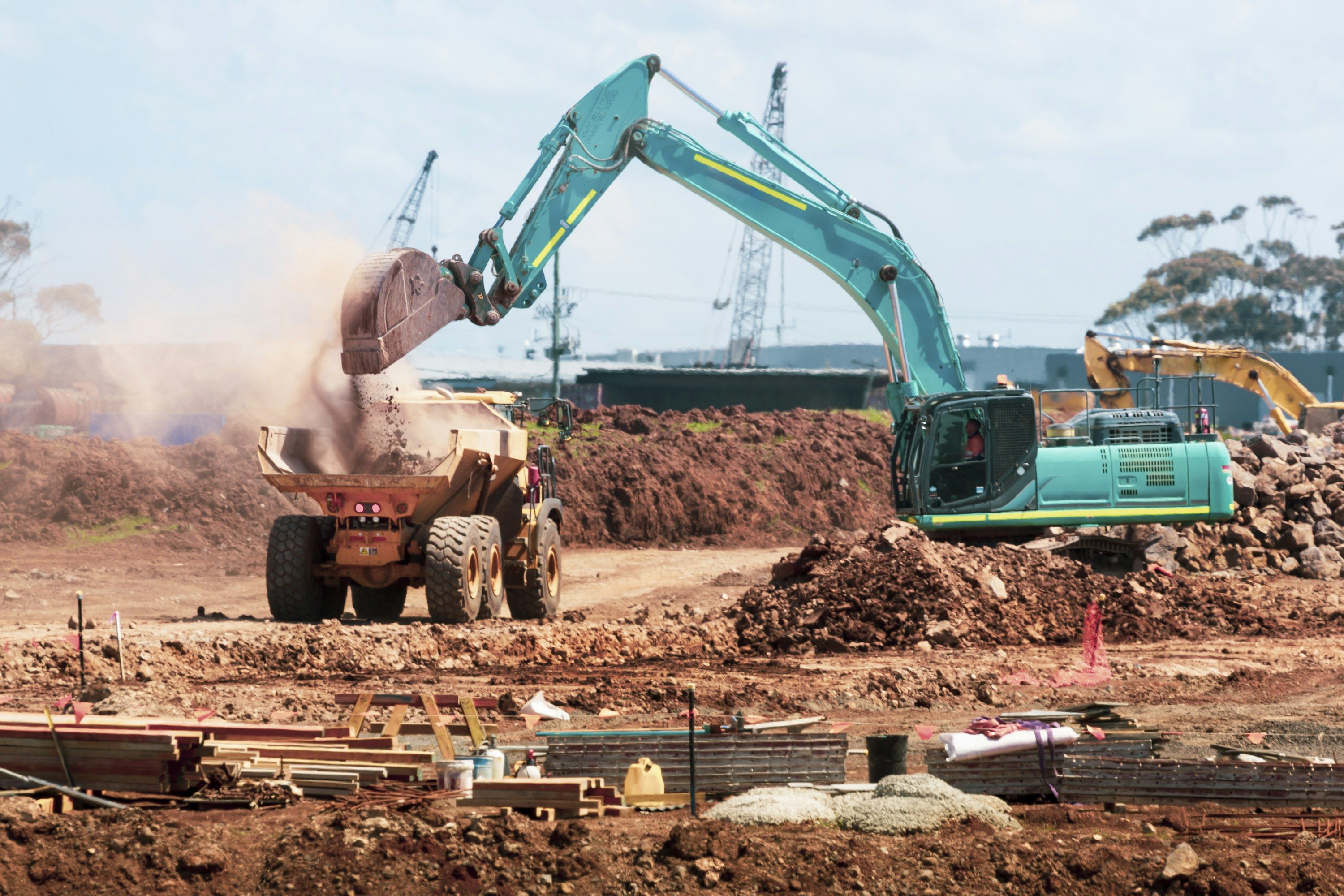
 Field & crew appsInspections, checklists, time and materials, and photo documentation for crews on job sites.
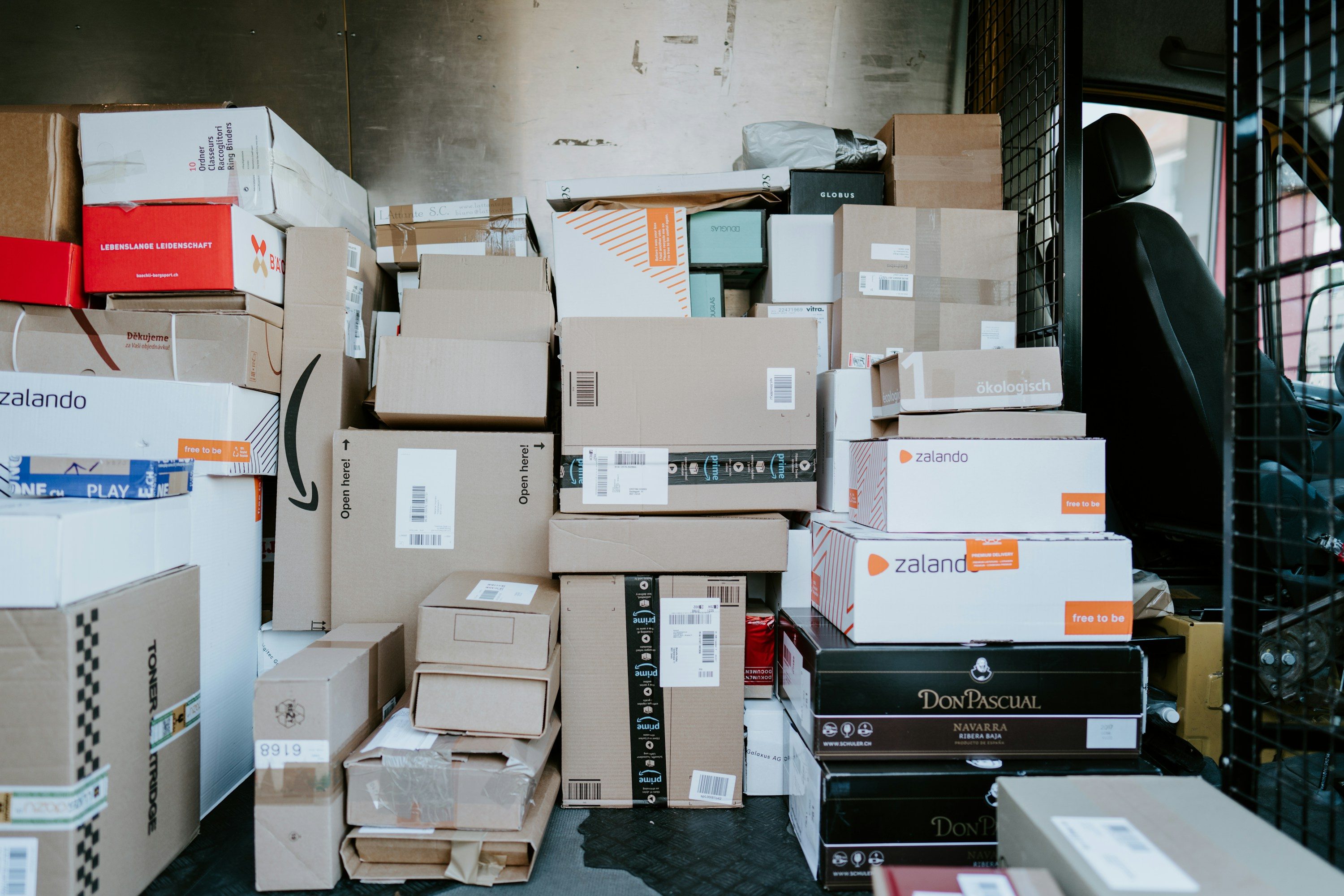
 Driver appsRoutes, stops, proof of delivery, and exceptions for drivers on the road.
 Customer appsBooking, payments, tracking, and account management for your customers, under your brand.
 Patient & member appsScheduling, intake, memberships, and reminders for healthcare and wellness patients.

Your mobile apps, web platform, and AI agents share one backend and one set of permissions. When an agent needs a decision, it reaches the right person on their phone, and they approve it with one tap.
Weeks 1–2
Workflows mapped with the people who will use the app every day, on the devices they actually carry.
Weeks 3–10
Native iOS and Android, or a shared codebase where it fits, connected to the same backend as your web platform.
Launch
We handle App Store and Google Play submission, review, and listings under your developer accounts.
Ongoing
Over-the-air updates, version management, crash reporting, and forced upgrades when a release requires it.
Warehouse staff and drivers use Behnke’s native apps alongside its operations platform, with over-the-air updates and version management built in.
 Logistics & Warehousing
Read the case studyWe stopped arguing about whose spreadsheet was right. Now there is one system, and it tells us where the problems are before our customers do.
Something else on your mind? Ask us on the call. An engineer, not a salesperson, will answer.
Book a callBoth. We choose per project: fully native iOS and Android when performance, hardware access, or platform feel matter most, or a shared codebase when it delivers the same experience faster. Either way, you get real apps in the App Store and Google Play, not a website in a wrapper.
You do. Apps are published under your Apple and Google developer accounts, and you own the complete source code, signing credentials, and release history.
Yes. Field and driver apps are designed offline-first: people keep working without signal, and records sync automatically when the connection returns.
Most updates ship over the air without waiting on app store review. Version management lets you require an upgrade when a release changes something critical, so nobody is stuck on an old build.
Apps and agents share the same backend. Agents can push tasks, approvals, and alerts to the right phone, and people can approve an agent’s action with one tap from wherever they are.
What would you hand to an agent first?
In 30 minutes we'll find the workflow costing you the most hours, and show you what an agent would save before you spend a dollar.